Solar Generators for Spring Camping: Plan for Cold and Cloudy Days
Compare spring camping battery capacity, panel connections and cold-weather limits, and budget for a trip without dependable solar charging.
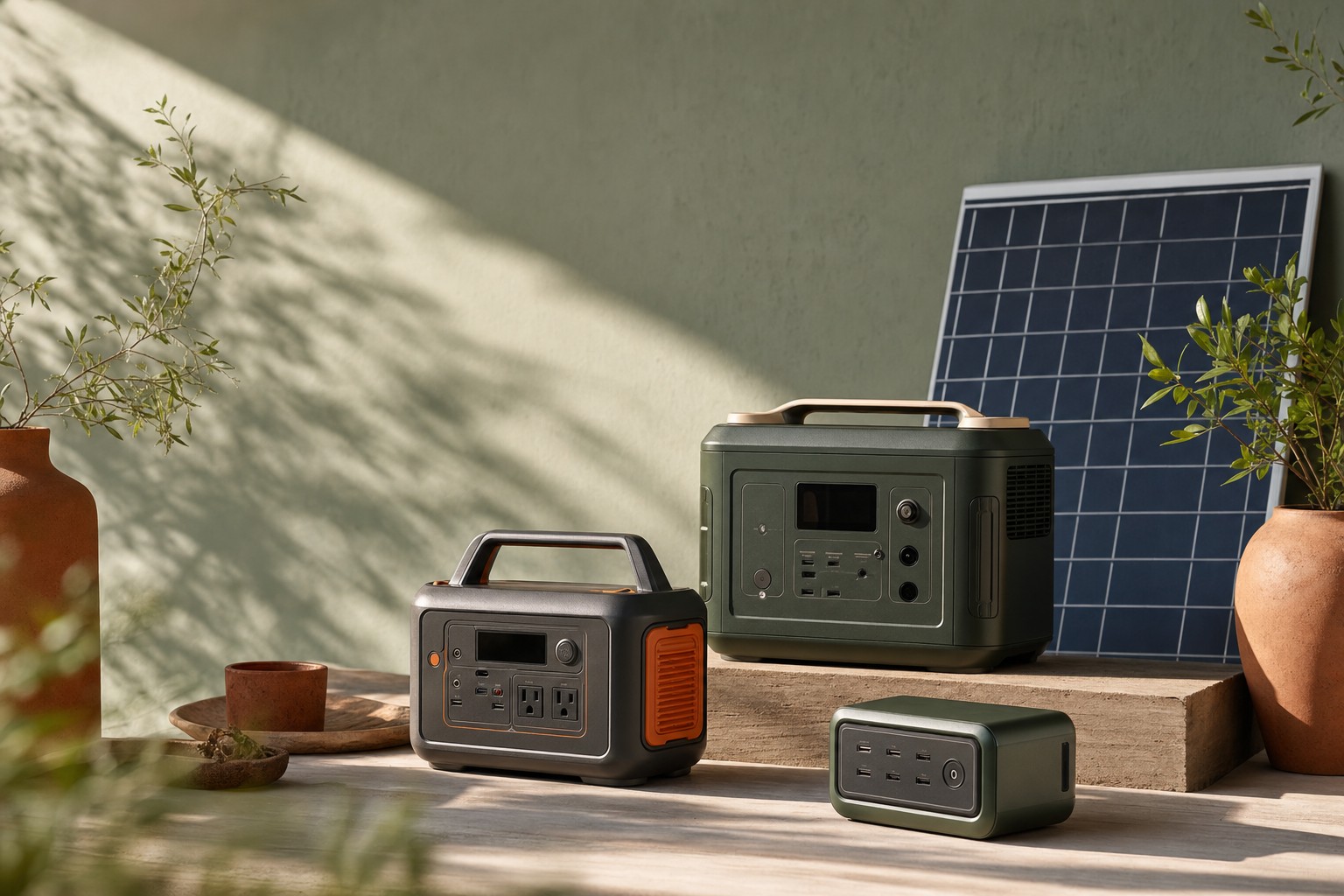
Featured Options Compared in This Guide
Full specs & notes ↓For spring camping, size the battery for your stay without dependable solar charging. Then choose panels around the sunny hours you can actually use. A larger panel cannot solve every charging problem: battery temperature, connection limits and time spent packed away also matter.
A solar generator pairs a battery station with solar panels. Compare stored energy in watt-hours (Wh), appliance power in watts (W), and solar input limits separately. Enough output to start an appliance does not establish how long it will run.
Two capacity choices for a spring trip
| Station | Nominal storage | Rated continuous AC output | Station weight | Practical tradeoff |
|---|---|---|---|---|
| Jackery Explorer 1000 v2 | 1,070Wh | 1,500W total | Around 10.8kg / 23.8lb | Less weight to move between the vehicle and campsite; no support for extra battery packs |
| EcoFlow DELTA 2 Max | 2,048Wh | 2,400W total | 23kg / 50lb | More starting energy and support for up to two compatible extra batteries, with a heavier station to handle |
These are manufacturer specifications, not campsite runtime measurements. Sources: Jackery Explorer 1000 v2 FAQ and EcoFlow DELTA 2 Max specifications.
For phones, cameras, a laptop and lights, start by calculating whether the lighter Jackery can cover the trip, including the station’s own consumption. For refrigeration or a longer stay, the DELTA 2 Max offers more stored energy, but its capacity still needs to match the complete budget. Consider where you will lift it and whether that location works when the weather turns wet.
Choose output for the devices that must run together. Choose capacity for their total operating time. Buying the higher wattage rating alone does not answer the second question.
Cold-weather charging is a separate purchase decision
Jackery lists a charging range of 0–45°C / 32–113°F and a discharging range of −10–45°C / 14–113°F for the Explorer 1000 v2. Its ability to supply power below freezing does not mean it can accept a solar charge at those temperatures. A forecast near freezing therefore calls for a plan that can tolerate a missed morning recharge. Source: Jackery FAQ.
The DELTA 2 Max product page does not state its charging-temperature limits. Treat that as an unresolved purchase question for a cold-weather trip: obtain the model’s charging and discharging ranges from EcoFlow before relying on it for freezing conditions. Its larger battery and solar input rating do not establish cold-weather charging suitability. Source: DELTA 2 Max product specifications.
For wet-weather planning, Jackery explicitly lists waterproof and dustproof protection as unsupported. Keep that station protected from rain and splash. The EcoFlow page does not establish a water-protection rating for the DELTA 2 Max. As a general camping precaution, plan a dry location for the station and connections, and follow the model’s instructions for placement and ventilation; a panel’s weather rating does not establish the station’s protection. Sources: Jackery FAQ, EcoFlow specifications.
Budget for devices and the hours the station stays on
For a hypothetical two-night, 48-hour trip, suppose the devices require:
| Device group | Assumed energy over the whole trip |
|---|---|
| Phones and camera batteries | 120Wh |
| Laptop | 300Wh |
| Lighting | 80Wh |
| Total delivered to devices | 500Wh |
These are planning assumptions, not measured device consumption. Calculate your own values using watts × operating hours = watt-hours. For changing loads, add the energy used during each operating period. Virginia Cooperative Extension explains this calculation and why actual consumption depends on device settings and operating time. Source: estimating appliance energy use.
The 500Wh total is only the device side of the budget. Account for:
- Conversion losses between the battery and devices.
- The station’s own consumption while supplying power.
- Idle consumption during hours it remains enabled without a useful load.
- Energy deliberately retained for an essential load or a delayed departure.
For example, if devices need power during eight hours of the trip, leaving the station enabled throughout the stay creates another 40 idle hours. A cooler may instead require the output to remain enabled for all 48 hours, even while its compressor cycles off. Write those hours into the plan; they are different from the appliance’s active operating hours.
Jackery lists 18W standby consumption, but its FAQ does not define the operating conditions behind that figure. As a conditional illustration, 18W sustained for 40 hours would consume 720Wh. That is not a prediction of Explorer 1000 v2 trip consumption, and the figure should not be applied to every output mode or another station. It shows why enabled time matters. Sources: Jackery standby specification, Virginia Cooperative Extension calculation method.
A useful budget is therefore device energy + conversion losses + station operating and idle energy + a defined reserve. Avoid counting station overhead twice if a measured efficiency or runtime already includes it. Without applicable overhead data or a representative trial, 500Wh of device demand does not establish that a 1,070Wh station will cover the trip.
If a cooler adds an assumed 500Wh per day for two days, device demand rises to 1,500Wh. That already exceeds the Jackery’s nominal storage before losses and overhead. The DELTA 2 Max becomes a capacity candidate, but its 2,048Wh rating alone still does not prove sufficient usable trip energy.
Electric heat deserves a separate calculation: a hypothetical 1,000W heater running for one hour needs 1,000Wh at the appliance. Decide whether that demand belongs in the battery budget before selecting a station. Calculation method: Virginia Cooperative Extension.
Match panels to the inputs and your camping schedule
The Jackery FAQ supports pairing the Explorer 1000 v2 with one or two SolarSaga 200W panels. That establishes a supported pairing, not what a particular retail package contains.
| Station | Published solar input limits | Connection decision |
|---|---|---|
| Explorer 1000 v2 | 16–60V; up to 200W and 10.5A using one port; up to 400W and 21A combined using both | Uses DC8020 inputs. Follow Jackery’s matching-panel rules when using both ports. |
| DELTA 2 Max | 11–60V, 15A; up to 500W per port and 1,000W across both | Check voltage and current as well as watts for each proposed panel configuration. |
Sources: Jackery solar specifications and connection rules, EcoFlow solar input specifications.
Jackery’s two DC inputs are connected in parallel. It does not support a 100W panel on one port and a 200W panel on the other; the panel model and quantity must match across ports. Three panels are unsupported. Four identical panels require two SolarSaga adapters for Pro/Plus/V models. For a straightforward two-panel setup, use matching panels and confirm the cables and adapters included with the exact purchase. Source: Jackery FAQ.
Neither station’s input ceiling predicts campsite harvest. For illustration, an average 100W reaching the station over three hours supplies 300Wh before battery charging losses. Those three hours must be actual charging time; a panel packed in the vehicle while you hike contributes nothing during that interval. Energy calculation: Virginia Cooperative Extension.
Cool conditions can benefit solar-cell performance: DOE explains that rising cell temperatures generally reduce voltage enough to lower efficiency. That concerns the panel, while the battery has its own charging-temperature limits. Do not interpret a cool, bright morning as proof that both parts can operate as planned. Source: DOE photovoltaic performance and efficiency.
Rehearse the overnight setup before departure
Run the intended devices through a representative evening and overnight period. Use the same output settings you intend to use at camp, including the pauses between charging sessions or cooler cycles. Record the starting and ending battery level and how long each output remains enabled. This can expose a budget problem that a short appliance demonstration misses, though warmer home conditions cannot establish cold-weather performance.
Pay particular attention to shutdown behavior. Jackery lists adjustable auto-shutdown and an energy-saving mode that can be disabled. EcoFlow describes an AC Always-on mode. Select settings around the load: an intermittent device needs its output available when it resumes, while unnecessary enabled hours belong in the energy budget. Sources: Jackery controls, EcoFlow controls.
Before leaving, pack the actual panel connection hardware and device cables. Set a battery threshold for dropping optional loads, based on the energy needed for the rest of the stay. If the budget depends on tomorrow’s sunshine, shorten the stay, reduce demand or arrange another charging opportunity before departure.
For broader capacity choices, see the portable power-station comparison. For panel selection, see the camping solar-panel guide.
Sources
- Jackery: Explorer 1000 V2 Basic Information — capacity, output, temperatures, standby consumption and panel connection rules.
- EcoFlow: DELTA 2 Max Portable Power Station — capacity, output, weight, expansion and solar input specifications.
- U.S. Department of Energy: Solar Photovoltaic Performance and Efficiency Basics — solar-cell temperature and efficiency.
- Virginia Cooperative Extension: Estimating Appliance and Home Electronic Energy Use — power, operating time and energy calculations.
Products Compared in This Guide
Solar Generators for Spring Camping — Top-Spec Options
Compare current model specifications, material disclosures, and third-party certifications for portable solar generators.
Certified Portable Solar Generators Alternatives
Check verified certification scope, replacement parts, and packaging details across solar & off-grid listings.